


Your Affiliate Links Get Clicks and Nobody Buys. Let’s Inspect the Crime Scene.
Somewhere on your site is a post that gets a respectable number of visitors, a few clicks on its affiliate links, and zero commissions. If you’re asking why aren’t my affiliate links converting, that post is the crime scene. Nothing was stolen in a dramatic way. The sale just quietly left the building, and nobody wrote down which door it used.
The good news is that there are only a handful of doors. This article walks through them one at a time, with the kind of mistakes that show up on live sites all the time, so you can find the leak on one page and fix that before touching anything else.
Clicks are not sales…. figure out where the leak actually is
A click means someone found the link interesting enough to press. A sale needs that person to trust you, want the product, afford it, and survive the checkout page. Those are four more hurdles than a click clears.
Before you rewrite anything, sort your problem into one of two piles by looking at a single page in your affiliate dashboard and your site analytics:
- Few or no clicks: the link is hard to find, easy to ignore, or the page isn’t getting people to the point where a link makes sense. Suspects: placement and page design.
- Plenty of clicks, no sales: people wanted to look but not to buy. Suspects: the wrong visitor, a recommendation they didn’t believe, or an offer that doesn’t fit them.
That one split saves you from the classic mistake of redesigning your buttons when the real problem is that your visitors came looking for something free. Pick the pile first, then read the matching sections below.
The wrong crowd showed up… Or when your traffic never wanted to buy
Traffic is not one thing. Picture a post called “Best Budget Cameras for Beginners” that ranks nicely for “free camera photo editing tips” because it has a paragraph on that. The visitors are real people and the numbers look healthy. None of them came to buy a camera.
The place to check is the search queries behind your page. Google Search Console shows the actual phrases people typed before landing on you. Read them like witness statements. Queries with words like “free,” “how to,” “what is,” “meaning,” or “template” usually come from people gathering information. Queries like “best X for Y,” “X review,” “X vs Z,” or “is X worth it” come from people closer to spending money.
If your page is full of the first kind, you have two honest options:
- Add a section that serves the buying-stage query, so the page earns the right visitor as well as the wrong one.
- Accept that this page is a front door for information and point it at a separate, buyer-focused page on your site, with a plain link that tells the reader what they’ll find there.
Social traffic deserves the same suspicion. A video that went around because it was funny will bring a crowd who came for the joke. They may subscribe and laugh again next week, and they will not buy the standing desk you mentioned in minute six.
The recommendation nobody believes with reviews that sound like brochures
Some pages are accurate and still don’t convince anyone, because they read like the merchant wrote them. Every feature is “powerful,” every user is “satisfied,” and the only drawback mentioned is that the product is “almost too good.”
Readers have seen a lot of these. A page that only says good things gets treated as an ad, and people leave to look for an actual opinion.
Read your page out loud and check for three things:
- Specifics. Does it say what the product does in a situation the reader recognizes, or does it only use adjectives?
- Who it’s wrong for. A recommendation that names the people who should skip the product is far more believable than one that says it suits everybody.
- A real downside. One honest limitation, stated plainly, makes the rest of the page easier to believe.
This is a diagnostic, not a writing course. If you decide the problem is in the prose itself, the walkthrough on how to write product reviews that convert goes through the craft in detail. For now, just notice whether your page sounds like a person or a leaflet.
Link placement crimes? They are buried, begging, or everywhere at once
Placement problems come in three flavors, and most sites commit at least one.
Buried. The only link sits in paragraph fourteen, after a long history of the product category. Most readers decided what to do by paragraph four. Put a link where the reader’s question gets answered, not where the page happens to end.
Begging. Every paragraph finishes with “Click here to get yours now!” in bold. A reader who hasn’t yet been told why the product is any good is being asked to buy it. The pressure comes too early and the page loses the visitor it was working for.
Everywhere at once. The same link appears eleven times, along with two banners and a sidebar widget. The reader can’t tell which one matters, and some will assume the page exists only to sell. A sensible pattern is one link where the product is first properly introduced and one near the point where the reader has everything they need to decide.
Two smaller offenses are worth checking while you’re here:
- Link text that says “click here” or “this link” tells the reader nothing. Use the product name or what happens when they click, such as “see the current pricing.”
- Links that go to a merchant’s homepage make the visitor hunt for the product you just recommended. Send them to the exact product page whenever the program allows it.
The offer mismatch? Promoting what you would not buy yourself
Sometimes the page is fine, the visitor is right, the link is well placed, and the sale still doesn’t happen, because the product is the weak part. Visitors can sense when a recommendation comes from the commission rate and not from a view that the product is any good.
Ask yourself two blunt questions about each product you promote. Would you pay for it with your own money? Would you suggest it to a friend who trusted your judgment? If either answer is no, readers will probably feel the same hesitation you do, even if they can’t say why.
Also look at fit between the product and your reader:
- A premium-priced tool recommended to an audience that reads your site for budget advice is a mismatch before anyone clicks.
- A product aimed at professionals, pitched to complete beginners, makes people feel the product isn’t for them.
- A merchant page that’s confusing, slow, or only available in certain regions loses the sale after you did the hard part.
That last one is easy to check and often skipped. Click your own link in a private browser window and go as far through the process as you can without paying. If you get lost, so does everyone else. If you’re still choosing which programs to promote, the list of best affiliate programs for beginners is a reasonable starting point for comparing options.
The page that makes people think too hard with speed, clutter and confusing next steps
A reader who has to work out what you want them to do usually does nothing. Three things cause most of this.
Speed. Open the page on your phone, on mobile data, not on your home wifi. If you’re waiting for images to appear, visitors are waiting too, and some have already gone. Oversized images, too many plugins, and heavy embedded media are the usual causes.
Clutter. Pop-ups that cover the text, an email sign-up box, three ad units, a cookie notice, and a sticky banner can all load at once. Each one is a small interruption, and together they bury the reason the visitor came. If a reader has to close four things before reading your first sentence, your recommendation starts the page already behind.
Competing next steps. A page that asks the reader to subscribe, watch a video, read another post, and buy a product gives them four doors with no hint of which one to take. Decide what the main action on this page is. Everything else can be quieter, or moved to a different page.
A useful test is to show the page to someone for ten seconds, then ask them what they think they’re meant to do next. If they hesitate, the page is asking too much.
Your five-minute leak check? Pick one page and test one change
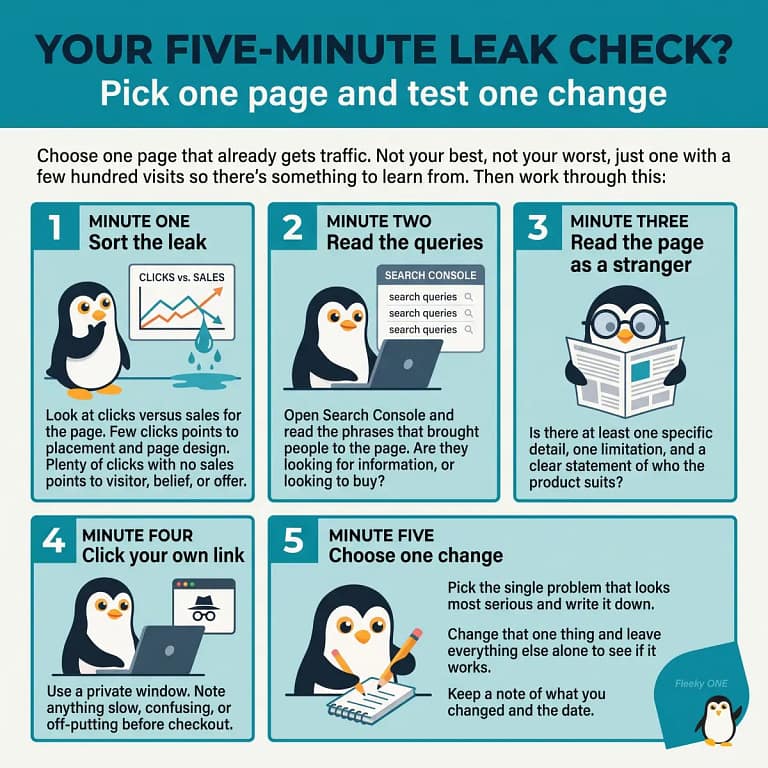
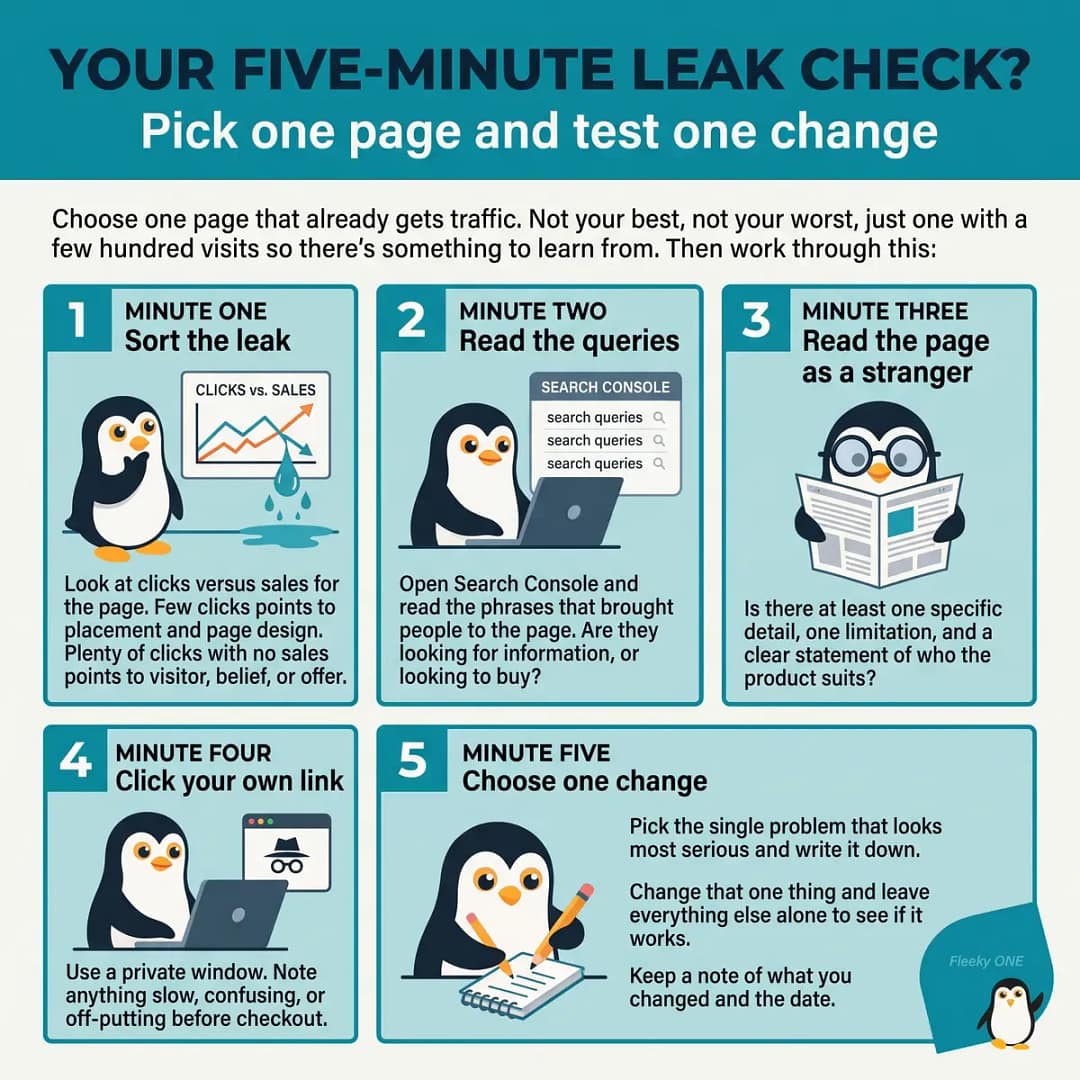
Choose one page that already gets traffic. Not your best, not your worst, just one with a few hundred visits so there’s something to learn from. Then work through this:
- Minute one: sort the leak. Look at clicks versus sales for the page. Few clicks points to placement and page design. Plenty of clicks with no sales points to visitor, belief, or offer.
- Minute two: read the queries. Open Search Console and read the phrases that brought people to the page. Are they looking for information, or looking to buy?
- Minute three: read the page as a stranger. Is there at least one specific detail, one limitation, and a clear statement of who the product suits?
- Minute four: click your own link. Use a private window. Note anything slow, confusing, or off-putting before checkout.
- Minute five: choose one change. Pick the single problem that looks most serious and write it down. Moving a link, adding an honest drawback, swapping a product, trimming a pop-up, or rewriting a vague heading all count.
Then change that one thing and leave everything else alone. If you alter six things and sales improve, you won’t know which one did it, and if they get worse you won’t know which one to undo. Give the change a couple of weeks of traffic before judging it, and keep a note of what you changed and the date.
Pick one page, run the five-minute leak check, and change just one thing. If you want a place to build and test that site, take a look at Wealthy Affiliate and Kre8or.