How To Track Your Affiliate Sales And Traffic
Starting with affiliate marketing is exciting, but keeping track of your affiliate sales and traffic can feel overwhelming at first. If you want to know what’s working, spot opportunities, and make real money, understanding how to track your affiliate progress is really important.
Affiliate programs and tools give you reports, but making sense of them, and knowing what to do next, takes a little practice. I’ve learned a ton from getting into analytics, testing different tracking tools, and figuring out which stats matter most. So, if you’re ready to get a handle on your numbers, here’s an all-in-one rundown of how to track your affiliate sales and traffic, broken down into practical steps.
You’ll be able to see exactly where your visitors come from, which links get clicks, and how those clicks turn into commissions. That info is super useful for tweaking your strategies and growing your affiliate income. With the right approach, you’ll move from simply guessing what’s successful to making confident decisions based on real data. Plus, tracking your progress keeps you motivated and helps you set more realistic goals for the future.
Step 1. Know The Basics of Affiliate Tracking
At its core, affiliate tracking is all about monitoring where your website visitors come from and what actions they take (like clicking affiliate links or making purchases). Programs use unique links or codes to track sales and traffic attributed to your account.
Key Tracking Terms To Know:
- Affiliate Link: A unique URL assigned to you by the affiliate program, which lets them tie clicks and sales to your account.
- Cookies: Small files stored in browsers to keep track of who clicked your affiliate link, usually active for a set number of days.
- Conversion: Any desired action (often a sale or lead) someone takes after clicking your affiliate link.
- Traffic Source: Where your visitors come from (social, search engines, email, etc.).
- Clickthrough Rate (CTR): The percentage of people who click your affiliate link out of everyone who sees it.
If you’re brand new to affiliate marketing, checking your program’s FAQ or intro docs is worth it. They typically break it down and explain their tracking system and dashboard features.
Step 2. Set Up Accurate Link Tracking
Once you join an affiliate program, you’ll get access to your own dashboard. This is where you’ll find tracking reports, stats, and the all-important affiliate links.
Tips To Set Up Tracking Correctly:
- Always use your unique affiliate links exactly as provided by the program, without changing anything in the URL.
- Check if the program supports subIDs or tracking parameters. These let you add custom tags (like ?src=blogpost1) so you can see exactly which link or page got the click or sale.
- After placing a link, test it by clicking it yourself to make sure it goes to the right landing page and tracks properly in your affiliate dashboard.
Some programs let you create separate links for different posts or campaigns. This is super useful for spotting what content earns the most.
If you manage a large number of links, organizing them with identifiers (like campaign names or post topics) in a spreadsheet can help you track which efforts bring in the best results. This adds another layer of detail to your reporting, making it easier to tweak your approach over time.
Step 3. Monitor Affiliate Sales & Commissions
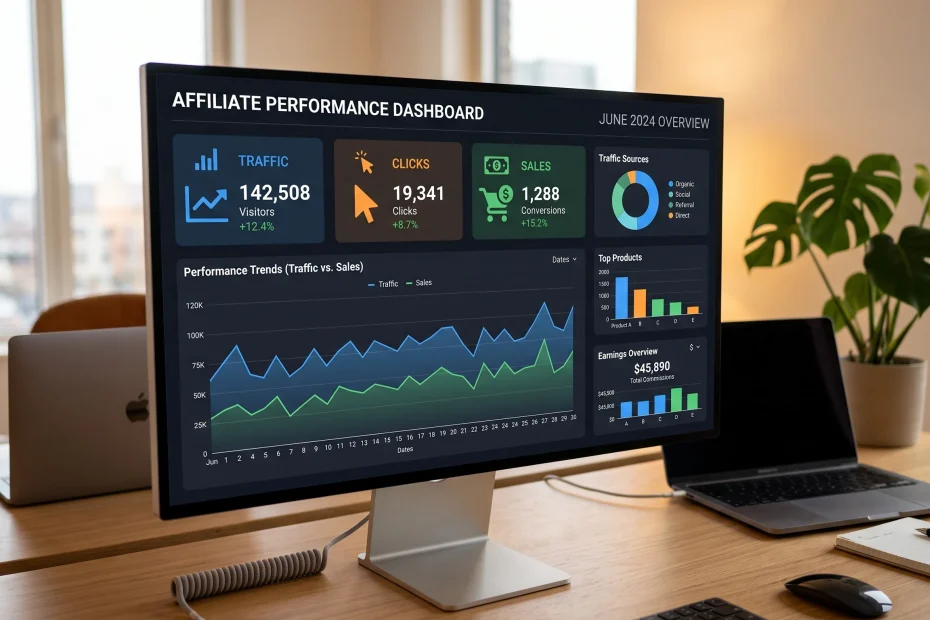
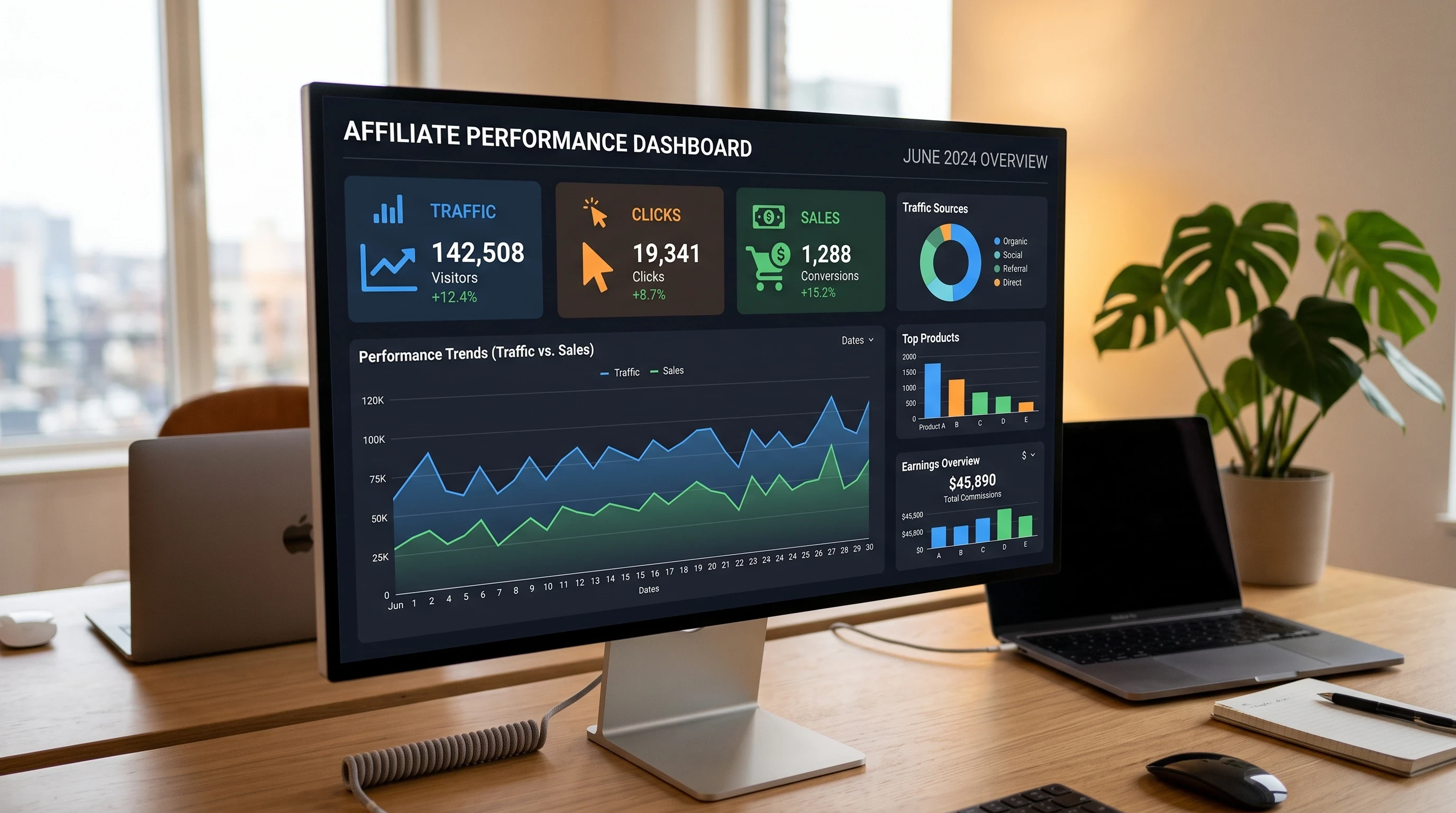
Affiliate networks and programs usually have straightforward dashboards showing clicks, conversions (sales or leads), and earned commissions. Get in the habit of checking these areas regularly:
What To Track In Your Affiliate Dashboard:
- Clicks: Number of times your affiliate links are clicked.
- Conversions/Sales: Number of completed purchases or signups tracked to your links.
- Commission: Your earnings for each sale or conversion.
- Status: Some programs show sales as pending, approved, or paid out. This keeps your earnings organized.
- Source: If you’re using tracking parameters or subIDs, you’ll see which pages, posts, or campaigns are driving results.
Comparing these stats week to week helps you figure out what’s working best and where to improve.
Many marketers also like to spot patterns between campaign launches and spikes in clicks or sales. Keeping notes on your promotional calendar next to your affiliate dashboard can clearly reveal what triggers your biggest results.
Step 4. Use Analytics Tools To Track Traffic Sources
Seeing where your traffic comes from can help you answer questions like, “Are most of my buyers coming from social media or Google?” or “Do email newsletters actually get clicks on my affiliate links?”
Simple Ways To Track Affiliate Traffic:
- Google Analytics: Free and super useful for tracking overall site visits, which pages get the most traffic, and what countries or devices your readers use. You can set up Goals to track visitors who click your affiliate links, and use UTM parameters for detailed campaign tracking.
- Pretty Links or ThirstyAffiliates (WordPress plugins): These tools let you shorten, cloak, and track clicks on all your affiliate links inside your website. You’ll see click stats right in your WordPress dashboard.
- Bitly: Another link shortening tool that provides clickthrough data. Use this for social media affiliate links or anywhere you can’t easily track in your main dashboard.
If you’re not sure which tool to try, start with Google Analytics or a simple link shortener. Both options make it clear where your clicks come from.
Tools like Google Data Studio can also mix together data from different sources, letting you build all-in-one reports. This makes it easier to share insights if you work with a team or report to clients. Plus, visualizing your performance with graphs and tables helps you spot spikes and trends at a glance.
Step 5. Track Performance On Different Platforms
Many affiliates post content in more than one place, such as blogs, social channels, YouTube, or in email newsletters. Tracking which platform leads to sales helps you focus on what’s working.
Platform-Specific Tracking Ideas:
- Use separate tracking links (with subIDs or UTM codes) for each platform. For example, make one link for your blog, another for Instagram, and another for email.
- Check built-in analytics like YouTube Analytics (for video links) or Instagram Insights (for profile links and Stories). Pair this info with your affiliate dashboard to see which posts or videos really drive sales.
- If you send newsletters, use your email marketing tool’s click tracking to see which links get the most action.
This gives a clear picture of where your audience is most active, so you know where to double down on future campaigns.
Don’t forget to consider newer platforms—podcasts, TikTok, or even new social media networks might give your affiliate links an unexpected boost. Give them a shot and log their results in your tracking system from the very start.
Step 6. Troubleshoot Common Tracking Issues
Sometimes, affiliate clicks or sales don’t show up as you expect. Here’s how I handle the most common hiccups:
- Missing sales: Make sure you used your correct affiliate link and that it’s not broken. Occasionally, ad blockers, private browsing, or cookies set incorrectly can block tracking too.
- Clicks but no sales: Lots of clicks with zero conversions might mean your audience isn’t the best fit, or the landing page needs improvement. Try changing up your call to action, or test different product offers.
- Dashboard delays: Some affiliate programs take a while to update stats (sometimes 24 to 48 hours). If you’re still missing sales after a few days, reach out to affiliate support.
Documenting your changes (like link updates or landing page tweaks) helps solve issues when numbers don’t line up. If in doubt, support teams at larger networks are usually helpful.
For even more accuracy, occasionally clear your cache and cookies before testing links, ensuring you don’t have an old tracking session affecting results. And remember, staying sharp about your own processes makes it much easier to spot when something’s off.
Frequently Asked Questions and Troubleshooting Tips
How can I check if my affiliate links are working?
I usually check all my links after publishing by clicking them myself, making sure I end up on the right merchant page. Some affiliate dashboards even show a recent “click history,” so it’s worth a look if you’re unsure.
How do I measure affiliate income growth?
Setting up a spreadsheet to record weekly or monthly stats (traffic, clicks, conversions, commissions) gives you a clear view of your progress over time and helps you spot trends and opportunities to earn more. Consider including notes on major promotions, holidays, or changes in your content strategy, as these factors can affect your results.
Is tracking worth it for small websites?
Even with low traffic, tracking affiliate links helps you learn what your audience likes before putting in lots more work. Small wins early on really add up, and you’ll set a strong foundation for growth as your site expands.
Next Steps To Grow Your Affiliate Success
Getting organized with affiliate tracking is a smart way to improve your results and stop guessing about what’s working. You’ll be able to see which posts or platforms really move the needle for your earnings, so you can make better decisions about where to put your time and effort.
If you haven’t already, create a habit of reviewing your stats on a regular basis—even a quick check each week can help you pick up on trends and react sooner. Partnering with your favorite affiliate networks’ support teams can also provide insights about new tools or tracking upgrades you might have missed.
Your Action Steps:
- Connect Google Analytics or install a link tracking plugin on your site.
- Set up different tracking links for your main channels (blog, social, email).
- Review your affiliate dashboard weekly to see what’s performing best.
- Log any experiments or content changes, so you can track which tweaks make an impact.
What platform drives the most affiliate sales for you?
Drop your experience below and let’s compare notes!
Online course marketing on Amazon
High-Paying Affiliate Programs on Amazon
Key Criteria for Selection on Amazon
Health and Wellness Affiliate Programs on Amazon
Strategies to Maximize Earnings from Affiliate Programs on Amazon
Creator Affiliate Program on Amazon
Ready to launch your online business the smart way?
Register your domain
and connect it instantly .
No upsells, no tech headaches.
Just smooth, secure site setup
with everything you need in one place.
👉 Start building YOUR website today.
9