… Here’s What a Beginner Does Next
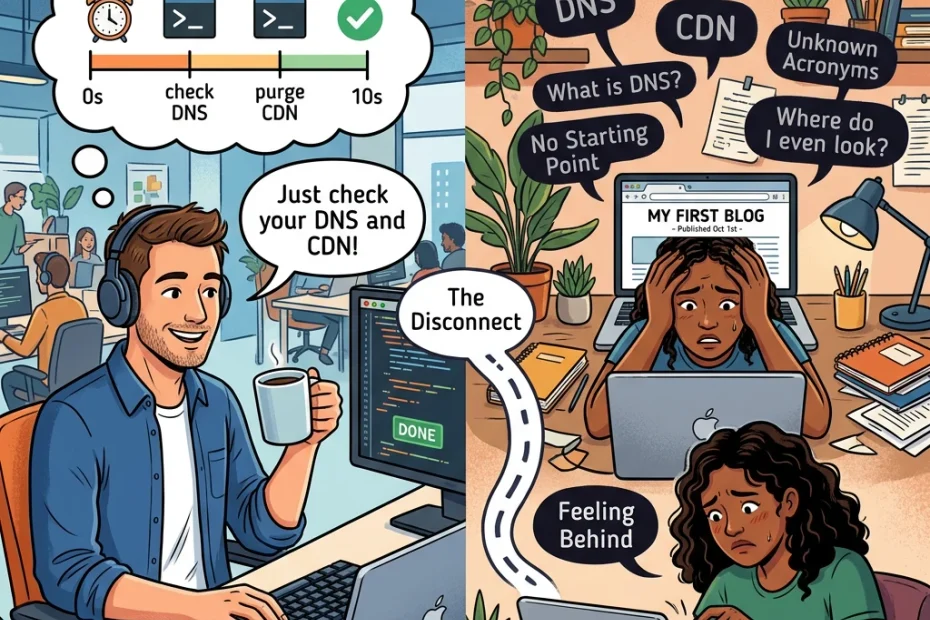
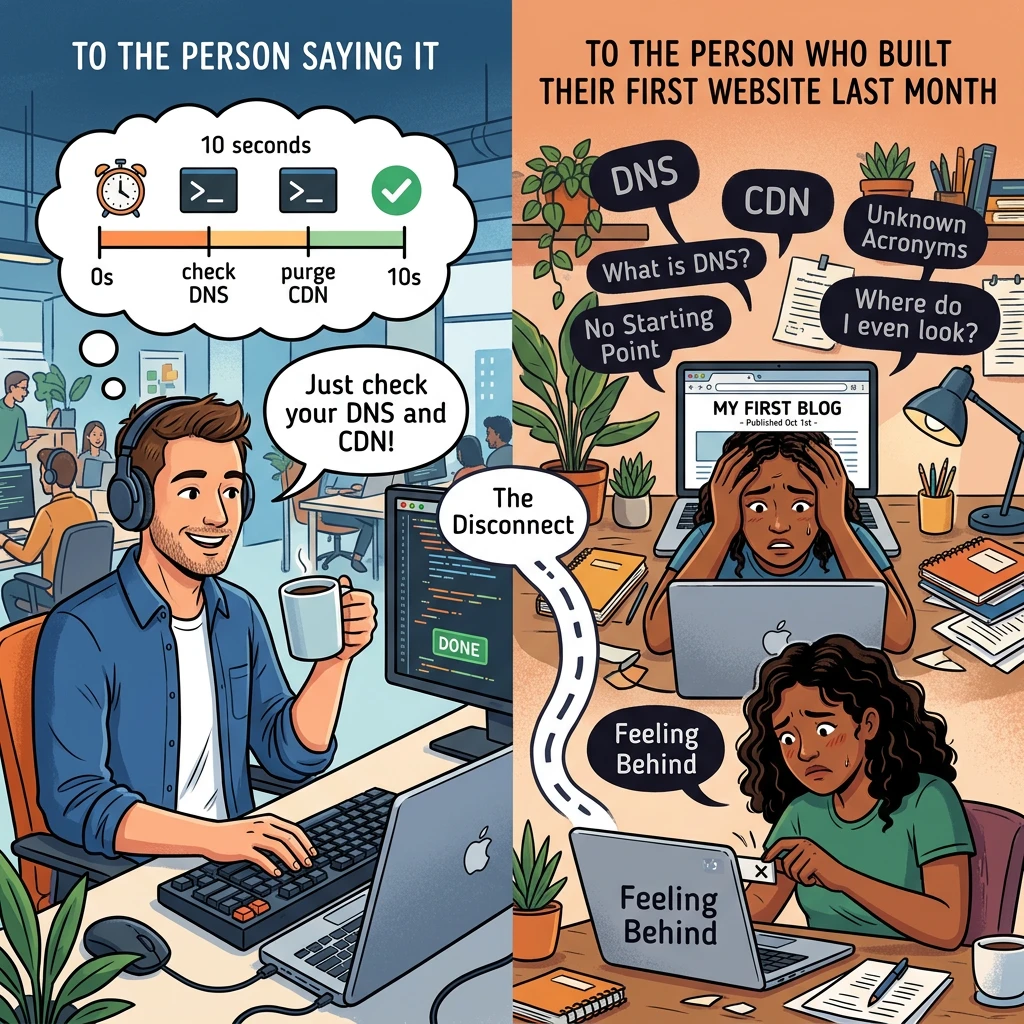
Advice ignores beginners when it uses words the reader was never taught. The fix is to translate each tip into what it means, where you find it, and one action you can finish today.
Why does so much advice ignore beginners?
Experts stop noticing their own vocabulary. After years of using a word daily, it feels like plain English, so they leave out the explanation without meaning to. The tip arrives compressed, and the compressed part is exactly what a newcomer needs.
Most expert advice also skips the “where”. It tells you what to check but not which screen to open. A tip with no location forces you to search for the term, read three articles that assume other terms, and lose an hour.
None of this means the advice is wrong. It means the advice was written for someone who already has the missing pieces. Your job is to fill those in quickly, and a short routine does that better than reading more articles.
What do DNS and CDN actually mean in plain words?
DNS stands for Domain Name System. It is the system that turns your domain name, such as yourname.com, into the numeric address of the server where your website is stored. Without it, a browser would not know where to send a visitor who types your domain.
When an expert says “check your DNS,” they usually mean one thing. Make sure your domain’s DNS records point to your hosting. You will find these records in the dashboard of wherever you bought the domain, or in your host’s dashboard, under a section named DNS or nameservers. After you change a record, the update can take a few hours, sometimes longer, to reach everyone.
CDN stands for Content Delivery Network. It is a group of servers in many locations that keep copies of your site’s files, mostly images, scripts and stylesheets. A visitor gets those files from a server near them instead of from your host’s single location.
When an expert says “use a CDN,” they mean your pages may load faster for visitors who live far from your host. Many hosting plans include a CDN or offer one as a setting, so look in your host’s dashboard before you sign up for a separate service.
Two acronyms, two plain sentences each. That is all the mystery there was.
How do you decode a tip that assumes you already know the terms?
Ask three questions about every tip, in this order.
- What does it mean? Put the term into one plain sentence, like the ones above.
- Where would I see it? Name the screen, setting or tool where this lives on your own site.
- What is the smallest next action? Pick something you can finish in one sitting, even if it is only looking.
The third question matters most. “Check your DNS” is a vague instruction, while “open your domain settings and confirm the records point to my host” is a task. Here is how a few common tips look after decoding.
Expert says | Plain meaning | Smallest next action |
|---|---|---|
Check your DNS | Confirm your domain points to the server hosting your site | Open your domain settings and read the DNS records, change nothing yet |
Use a CDN | Serve your files from servers closer to your visitors | Look in your host’s dashboard for a CDN or speed setting |
Clear your cache | Delete stored copies so you see the newest version of a page | Reload the page and clear the cache in your browser or caching plugin |
Compress your images | Shrink image file sizes so pages load faster | Run your next upload through a compression tool before you publish it |
Notice the first action is “read the records, change nothing yet.” Looking is a legitimate next action. A beginner who understands what a screen shows is in a much better position than one who edits settings from a forum post. ☕
Which expert tips can a beginner safely park for later?
Plenty of them. Experts tend to share everything they know at once, and a new website does not need most of it yet. A tip is a good candidate for the parking lot when all of these are true.
- Your site works and loads at an acceptable speed already.
- The tip involves editing something you cannot yet explain in one sentence.
- Getting it wrong could take your site offline.
Fine tuning of DNS settings, such as the time records stay stored, or advanced CDN rules belong in that category. You can revisit them when the basics are stable and you have a reason, like a slow page you have actually measured.
Parking a tip is different from ignoring it. Write the term down in a notes file with its one sentence meaning, and move on. If you want a suggested order for what to build first, the affiliate marketing roadmap for beginners covers that. This piece covers how to read the advice you collect along the way.
Be a little suspicious of any tip delivered with urgency and no reason. “You must fix this today” should come with a sentence about what goes wrong if you do not. When the reason is missing, park it.
What should you ask when you hit a word nobody explains?
Use questions that force a concrete answer. Vague questions get vague replies, and “can someone explain DNS?” invites a lecture.
Try these instead.
- “What does this term do for my visitors or my site?“
- “Where do I find it in my host or domain dashboard?“
- “What happens if I leave it alone for now?“
- “What is the first thing I should look at, without changing anything?“
The third question tells you whether a tip is urgent or merely nice to have. The fourth makes the expert give you a starting point, which is the part most advice leaves out.
Add your setup when you ask. Say which host you use and which tool built your site, because the right answer depends on both. “I use WordPress on my host’s standard plan, where do I find the CDN setting?” gets a useful answer. “How do I do the CDN thing?” gets a link to a documentation page written for engineers.
Ask people who are willing to answer plainly. Some communities treat basic questions as a nuisance, and you can leave those. A good one answers the question you asked and does not make you feel it was silly.
What does advice for beginners look like when you see it?
Good beginner advice has recognizable features, and once you know them you can spot it in seconds.
- It defines the term once, in a sentence, before it uses the term again.
- It names the location. It tells you which menu or dashboard section to open.
- It gives one action and says what a correct result looks like, so you know when you are done.
- It says what to skip for now, and why.
- It admits what depends on your setup, because hosts and website builders differ.
Compare “Make sure your CDN is configured properly” with “Open your host’s dashboard, find the speed or CDN section, and switch it on if it is available. If you do not see one, skip it for now, because your site will still work.” The second version is longer, but it is the one a person can act on.
You can hold your own writing to the same standard. If you publish tips on your site, define the term, name the screen and give one action. Your readers are probably the same kind of newcomer you were looking for answers for.
Next time a tip leaves you stuck, run it through the three questions. It will either turn into a task or get parked with a note, and both outcomes are better than staring at an acronym and feeling behind.
Stuck on a term nobody bothered to explain?
Come inside Wealthy Affiliate through my link, bring your jargon questions, and build your website with people who remember being new… coffee optional ☕