

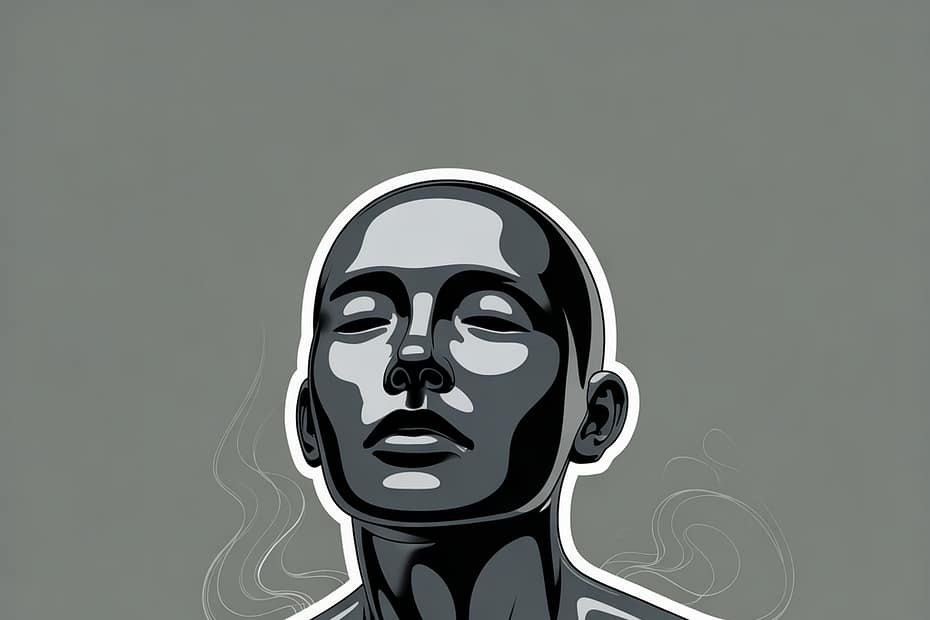

Does AI use subliminal texting
AI does not use subliminal texting … at least not in reputable, mainstream applications like ChatGPT, search engines, or commercial recommendation systems.
Here’s a breakdown to clarify
🔍 What is “subliminal texting“?
You might be referring to subliminal messaging, which is the use of subtle or hidden signals (often below the threshold of conscious awareness) to influence behavior. In “texting” form, it would mean embedding hidden messages in written text to affect you subconsciously.
🤖 Does AI do this?
No. Responsible AI systems do not embed subliminal messages. Here’s why:
- Ethical Standards: AI models developed by reputable organizations follow strict ethical guidelines, especially regarding transparency and user consent.
- Transparency Laws: AI products, especially in Europe and the U.S., are governed by laws (like the EU’s AI Act or GDPR) that would make subliminal influence illegal or heavily regulated.
- Model Behavior: AI like ChatGPT generates responses based on patterns in language. It doesn’t “plant” subconscious messages. You can analyze its output and see exactly what it says.
🧠 Could it theoretically be done?
In theory, yes. Any form of media (including AI-generated content) could be manipulated for subliminal influence if someone deliberately designed it that way. But that would be a misuse, and such systems would likely:
- Be flagged by auditors or watchdogs,
- Face legal consequences,
- Lose public trust.
✅ TL;DR:
AI like ChatGPT does not use subliminal texting. If you’re concerned about manipulation or bias, it’s smart to stay informed and ask questions. But as it stands, transparent and ethical AI systems avoid subliminal techniques.
🕵️♂️ Common Manipulation Tactics in Digital Media
Here’s a breakdown of real manipulation tactics used in some digital systems … not subliminal in the science-fiction sense, but still subtle and psychologically powerful.
Examples of how to spot real manipulation tactics (like microtargeting or dark patterns)?
1. Dark Patterns
These are UX/UI design tricks that guide you into doing things you might not intend, like subscribing, sharing data, or spending money.
Examples:
- Hidden opt-outs: Pre-checked boxes for newsletters or data sharing.
- Roach Motel: Easy to sign up, hard to cancel.
- Confirmshaming: Making you feel guilty (“No thanks, I hate saving money”).
📚 Resource: https://www.darkpatterns.org
2. Microtargeting
Uses AI and big data to tailor messages to individuals (especially in politics or advertising) to influence decisions based on personal traits or emotions.
Example:
- Showing emotional ads only to people flagged as “anxious” or “risk-averse.”
⚠️ Can be manipulative when used without transparency or consent.
3. Social Proof & Scarcity Triggers
Exploits psychological biases like:
- “Only 2 left in stock!”
- “Thousands already bought this!”
These aren’t lies, but they pressure quick decisions.
4. Personalized News Feeds (Filter Bubbles)
AI curates what you see, often reinforcing your views and isolating you from differing perspectives. Subtly shaping beliefs without your awareness.
Key concern: Confirmation bias and polarization.
5. Gamification Addiction Loops
Apps, especially social media and games, use reward systems to keep you hooked.
- Likes, badges, streaks >>> dopamine triggers that encourage repeated use.
🛡️ How to Defend Yourself
- Use privacy tools: Ad blockers, tracker blockers (like uBlock Origin or Privacy Badger).
- Read before clicking: Especially unsubscribe links or permissions.
- Ask: Who benefits? If content pressures urgency or emotion, be skeptical.
- Use diverse sources: Balance your information diet.
A practical checklist along with browser tools to help you identify and protect yourself from manipulation tactics in digital spaces:
✅ Digital Self-Defense Checklist
🔍 When Visiting a Website or Using an App:
- Is there urgency or emotional pressure? (“Limited time offer!” / “Don’t miss out!“)
- Are options clear and equal? Look for pre-checked boxes or confusing opt-outs.
- Is it hard to cancel or unsubscribe? Try navigating to the account settings.
- Are you being shown only one side of a topic? Diversify your sources.
- Are notifications or alerts unnecessarily frequent? Mute or manage them.
🧰 Browser Tools to Help You Stay in Control
🔐 Privacy & Tracking Protection
- uBlock Origin (Chrome/Firefox): Blocks ads and trackers.
- Privacy Badger (from EFF): Automatically blocks invisible trackers.
- DuckDuckGo Privacy Essentials: Forces encryption and blocks trackers.
🧠 Distraction & Manipulation Reduction
- Unhook YouTube: Removes recommended videos and sidebars to reduce manipulation by algorithms.
- News Feed Eradicator: Removes social media feeds to reduce doomscrolling or echo chambers.
- TOS;DR (Terms of Service; Didn’t Read): Summarizes complex terms of service and privacy policies.
🔍 Bias and Filter Bubble Breakers
- Ground News: Shows media bias and coverage from left, center, and right sources.
- AllSides: News from different political perspectives.
- Escape Your Bubble: Browser extension that injects opposing viewpoints.
🛡️ Bonus Tips
- Use Incognito mode for one-time searches or price comparisons.
- Routinely clear cookies to avoid tracking-based price discrimination.
- Enable two-factor authentication on all important accounts.
- Regularly review app permissions (especially on your phone).
Webcraft versatile helper GPT
If you need help in crafting, designing, building and maintaining your website, make sure to check this GPT provided by ChatGPT4

Guides you in web building across multiple platforms, with a focus on design and marketing. The GPT offers a comprehensive guidance not only in crafting WordPress websites but also in navigating other popular web-building platforms like Squarespace, Wix, or Shopify.
Thank you for reading and sharing!
Source and Image OpenAI’s ChatGPT-4 Language Model and Dalle-3

Invest in your future & learn
Learn affiliate marketing & build your own website.
Heads up! Make sure you sign up using my referral link to get access to my personal coaching and all features.
👉 Sign Up