
A Love Story Between 404 Errors and Redirects
My Website Is Haunted… A Love Story Between 404 Errors and Redirects
So I logged into my WordPress dashboard the other day, feeling productive.
Then I saw this:
- 404 Errors: 59
- URL Hits: 165
- Redirection Hits: 2.4K
And I thought…
“Who are all these people knocking on doors that don’t exist??”
Welcome to the chaotic soap opera that is your website’s backend.
👻 The 404 Error = The Ghost of Pages Past
A 404 error basically means:
“You’re looking for something that isn’t here anymore.”
It’s the digital equivalent of showing up to a party…
…at a house that was demolished in 2019.
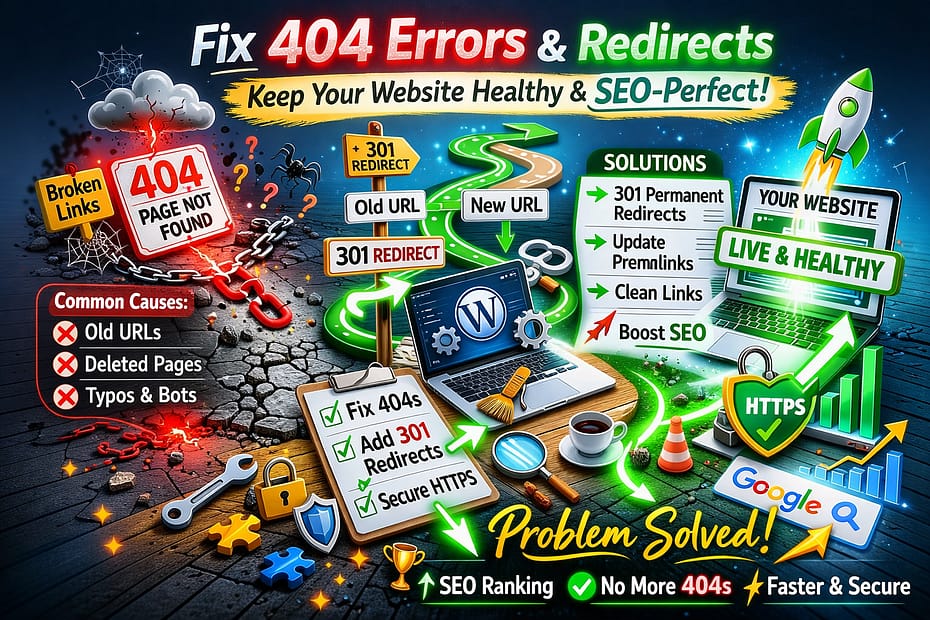
In WordPress land, 404s usually happen because:
- You renamed a page.
- You deleted a blog post.
- You changed your URL structure.
- A bot tried to hack you and failed (bless).
- Someone linked to your site with a typo.
- You redesigned your site and forgot about the old URLs.
Your server is just standing there politely saying:
“I’m sorry, that page has left the chat.”
🔁 Redirects = The Website’s GPS System
Redirects are like your website saying:
“Oh, you meant this page. Follow me.”
Example:
/old-blog-post
↓
/new-and-improved-blog-post
That’s called a 301 redirect — permanent, intentional, and SEO-friendly.
When done right, redirects are heroes.
When done wrong?
You get this:
old-page → older-page → even-older-page → final-page
That’s not a redirect.
That’s a scavenger hunt.
Google does not enjoy scavenger hunts.
📊 Why Are My Redirect Hits So High?!
If you’re seeing thousands of redirect hits, it usually means:
- Google still remembers your old URLs.
- Other websites are linking to outdated pages.
- You migrated your site.
- You changed permalink structure.
- Or your site has been around long enough to accumulate history.
Translation?
Your website has a past.
And the internet never forgets.
🤖 The Bots (Because Of Course There Are Bots)
If your 404 logs include things like:
/wp-admin.php
/.env
/phpmyadmin
/random-super-sketchy-file.php
Congratulations.
You are famous enough for bots to care.
These aren’t real users.
These are automated scripts scanning the internet looking for vulnerable sites.
You don’t need to redirect them.
You don’t need to panic.
You just need decent hosting and basic security.
🛠 How I Cleaned Up My Website Drama
Here’s the adulting part.
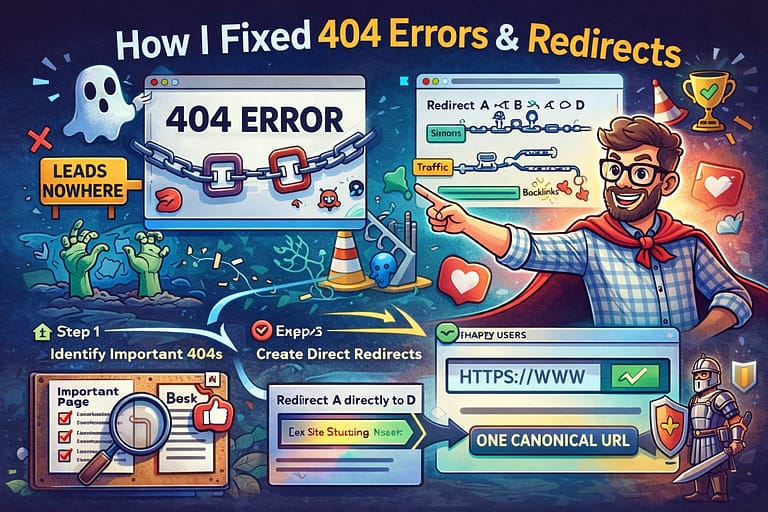
Step 1: I checked which 404s actually matter.
If a page was:
- Important
- Previously ranking
- Linked from another site
I created a proper 301 redirect.
If it was:
- Random garbage
- Bot probing
- Something I intentionally deleted
I ignored it.
Boundaries are healthy.
Even for websites.
Step 2: I fixed redirect chains.
No more:
A → B → C → D
Now it’s:
A → D
Clean. Direct. Emotionally stable.
Step 3: I made sure everything resolves to one version.
All traffic now goes straight to:
https://yoursite.com
Not:
- http
- www
- http + www
- the chaos version
Just one canonical, confident URL.
💡 The Truth About 404s
Here’s something most people don’t realize:
A few 404 errors are completely normal.
In fact, Google expects them.
What hurts you is:
- Broken internal links
- Important pages returning 404
- Redirect chains
- Infinite redirect loops
A couple ghosts in your logs?
Totally fine.
🎯 Final Thoughts
If your WordPress dashboard shows 404s and redirects, don’t panic.
It doesn’t mean your site is broken.
It means:
- Your site has evolved.
- The internet still remembers your old URLs.
- Bots are doing bot things.
- And your redirect plugin is doing its job.
Your website isn’t haunted.
It just has history.
And now you know how to manage it like a responsible digital adult.
Code Companion
Engaging code guide with humor and unique explanations.
Thank you for reading and sharing!

Invest in your future & learn
Learn affiliate marketing & build your own website.
Heads up! Make sure you sign up using my referral link to get access to my personal coaching and all features.
👉 Sign Up
9